Your laptop is essentially your mobile headquarters. Whether you carry it to a local cafe, use it during long college lectures, or live at your desk as a creative freelancer, the factory finish can feel a bit sterile and corporate. Finding top-tier vinyl stickers online gives you the perfect creative outlet to transform plain plastic or aluminum into a stunning visual portfolio of your personality.
But creating a beautiful setup isn’t just about throwing random designs onto your laptop cover. To make it a true reflection of your personal taste, you need a mix of strategic layout planning, high-quality materials, and a cohesive design theme.
This guide walks you through the step-by-step art of layering your setup, choosing the right finishes, and maintaining a clean look that stands out.
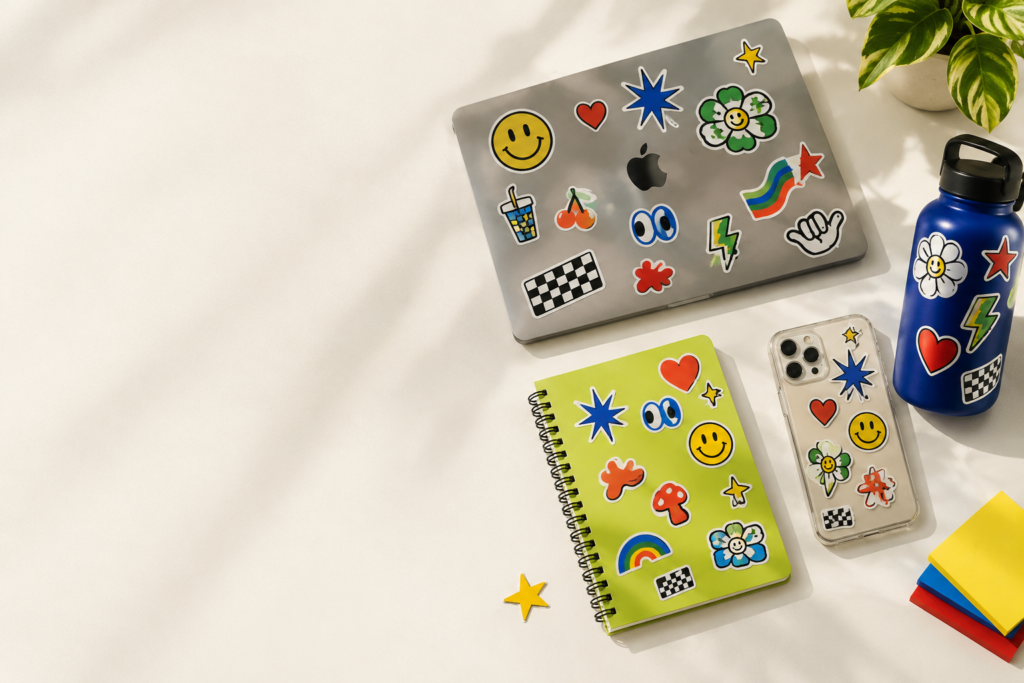
Finding Your Signature Sticker Theme
Before rushing to gather a massive collection, take a moment to decide on the core visual vibe you want to express. A cohesive color palette or subject matter binds your laptop surface together visually, turning a scattered collection into intentional art.
The Monochrome Cyberpunk Vibe
If you love clean lines and a minimalist style, stick strictly to high-contrast black-and-white graphics, abstract vector patterns, geometry, and sharp typography. This looks especially striking on dark grey or silver laptop chassis.
The Pastel Pop Culture Look
For a bright, welcoming, and high-energy feel, choose soft pastel palettes featuring your favorite anime characters, cozy lo-fi imagery, retro gaming art, or motivational typography lines.
Layout Strategies: Sticker Bombing vs. Minimal Accents
Once you collect your favorite vinyl stickers online, it is time to map out their placement. There are two primary schools of thought when it comes to decorating your tech gear:
Strategy 1: The Balanced Accent Layout
This clean approach relies on picking two to three larger, highly detailed standalone statement pieces. Instead of crowding the surface, you leave ample breathing room around each design to highlight the unique shape of the artwork. This works best with die-cut shapes placed off-center or along the lower corners near the trackpad hinge.
Strategy 2: The Full-Coverage Sticker Bomb
If you want to go all out, sticker bombing involves overlapping multiple layers to cover every single inch of the outer lid. Start by placing larger, background graphics flat on the surface first. Then, layer smaller accent designs and intricate shapes right over the gaps.
Selecting Your Finish: Matte vs. Glossy Decals
The protective texture finish you select alters how your laptop catches the light and feels to the touch when carried in your hand.
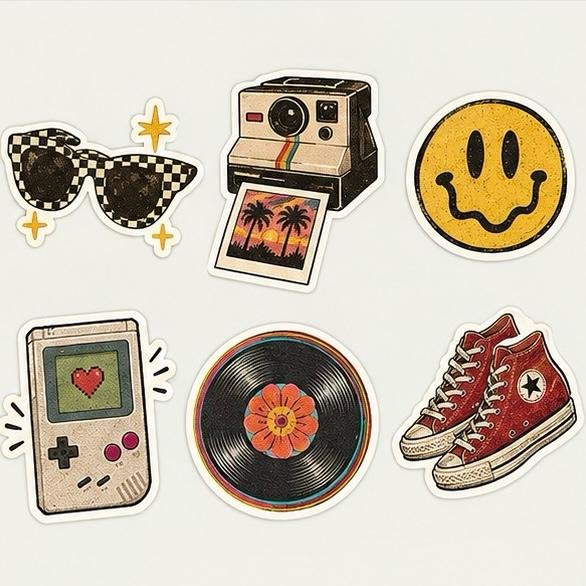
| Finish Option | Visual Characteristics | Best Styled On |
|---|---|---|
| Matte Finish | Smooth, satin feel that eliminates glare and diffuses bright room lights softly. | Modern minimalist tech designs, typography lines, and pastel artwork panels. |
| High-Gloss Finish | Reflective, bright sheen that saturates deep colors and stark contrasts. | Bold anime colors, neon themes, and heavy illustrative vector art pieces. |
Keeping It Clean: Protection and Easy Removal
Laptops encounter friction constantly—getting slid into backpack sleeves, resting on rough desk edges, and absorbing oils from your hands. Using cheap options will quickly lead to fraying edges and peeled corners.
By ensuring you only use premium PVC options rather than paper labels, your decorations will act as a secondary scratch shield for your laptop lid. True vinyl builds can handle daily contact easily without the edges lifting up over time.
Best of all, when your tastes inevitably change next semester or next year, high-grade adhesive backings pull away in a single motion without requiring abrasive rubbing alcohol or leaving behind sticky geometric marks on your metal casing.
Frequently Asked Questions (FAQs)
Will putting stickers on my laptop make it overheat?
No. Standard placement on the exterior back lid or palm rests does not interfere with cooling. Just be careful to never cover the bottom intake grills, side exhaust vents, or charging ports.
Can I place vinyl stickers directly on the interior keyboard palm rests?
Yes. High-quality matte vinyl variants are excellent for palm rests because they resist sweat and skin oils, protecting the laptop’s original finish from rubbing down or changing color over years of typing.
How do I clean my laptop lid once it is fully decorated?
Simply use a lint-free microfiber cloth slightly dampened with clear water. Because the material is completely waterproof, you can gently wipe away dust and smudges without worrying about the printing ink running or fading away.
What is the easiest way to remove an old design?
Catch the edge of the decal with your fingernail and pull upward slowly at a uniform 45-degree angle. Premium vinyl material is highly elastic, meaning it will peel away in one full sheet rather than ripping into tiny, annoying fragments.